A free tool for converting images into PDF
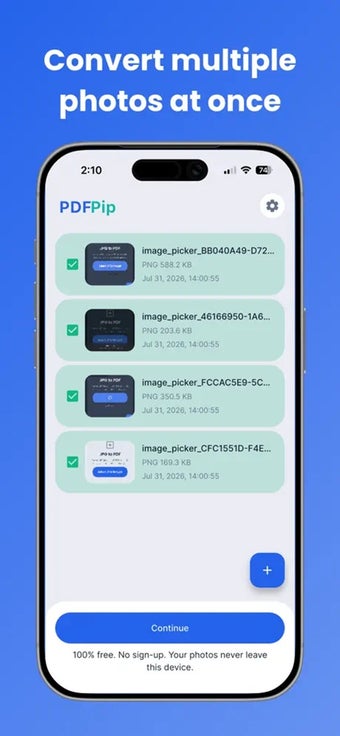
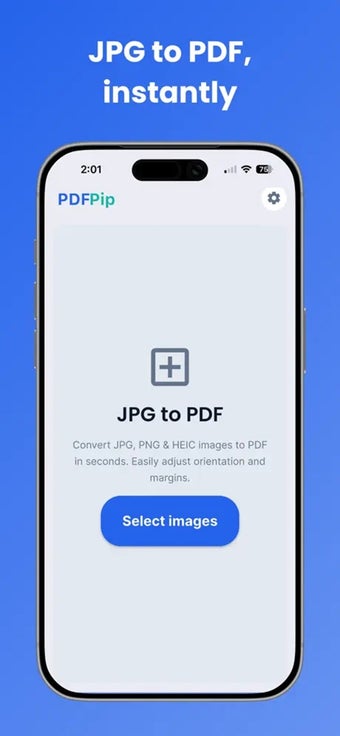
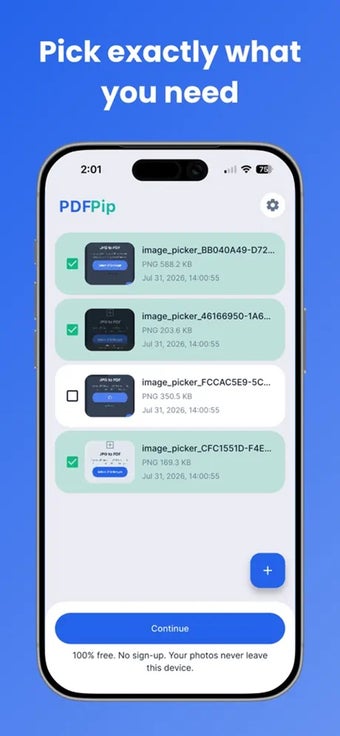
PDFPip is a free utility app that converts JPG, PNG, and HEIC images into PDF files in seconds. You can take photos using your camera or import existing images from your library. It supports single and batch conversions, letting you combine multiple photos into one document without creating an account.
Turn images into PDFs
PDFPip gives you control over how your PDF looks. You can rotate images, rearrange pages, and choose between A4, US Letter, or custom page sizes. It also supports portrait and landscape orientations, adjustable margins, and separate exports, making it convenient to prepare documents for school, work, or personal use.
All conversions happen directly on your device, keeping your photos private without uploading them online. Most importantly, the app is 100% free, with no watermarks, hidden limits, or locked features. You can convert as many images as needed. However, it lacks advanced PDF editing tools for modifying text in existing documents.
Convenient image conversion app
PDFPip makes converting photos into PDF files quick, easy, and convenient. The flexible page settings, batch conversion, and free features make it useful for everyday document needs. Because it processes everything directly on your device, your photos stay private. However, users needing advanced PDF editing tools may find it somewhat limited.